
Guardian Care
& Maintenance
Guardian is designed to quietly monitor your home’s indoor environment with very little maintenance. A few simple habits will help ensure it continues delivering accurate insights and reliable performance for years to come.
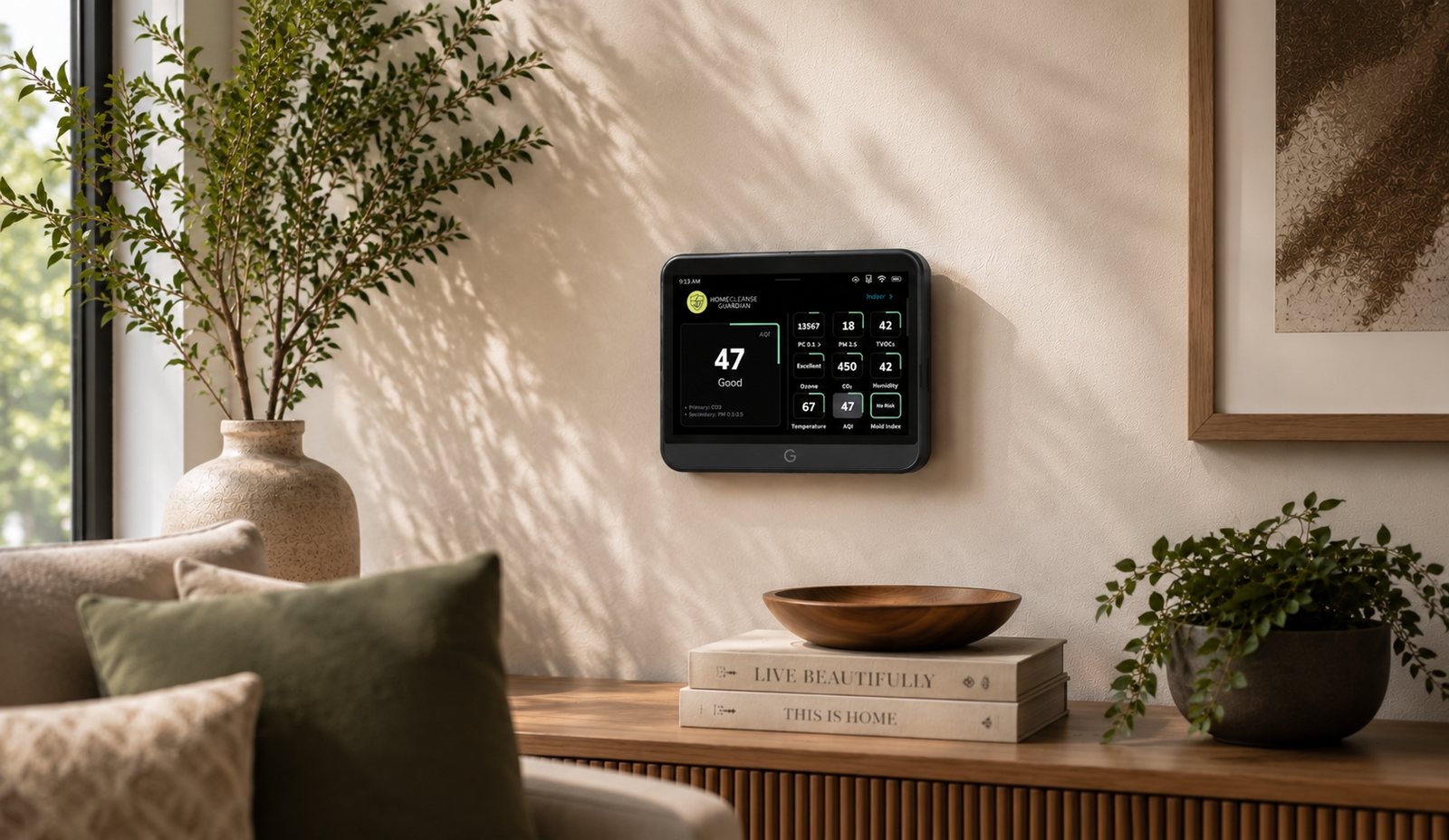 Monitoring · Living Room
Guardian Doesn’t Ask For Much
Five easy habits, and Guardian takes care of the rest.
Keep It Powered
Continuous monitoring creates more meaningful long-term trends.
Stay Connected
Internet connectivity keeps Guardian up to date with the latest improvements.
Keep Airflow Open
Allow air to circulate freely around Guardian for the most accurate readings.
Check Sensor Health
Guardian makes it easy to monitor the health of installed sensor capsules.
Leave It In Place
Keeping Guardian in one consistent location provides the clearest picture of your indoor environment.
Everyday Care
Tap any card for the detail. None of it takes more than a moment.
Keep Guardian Connected
+Guardian works best when it remains powered and connected to your network whenever possible.
Consistent monitoring allows Guardian to build a more complete picture of your indoor environment over time.
Keep It In One Location
+Daily readings become more meaningful when Guardian monitors the same environment over time.
If you permanently move Guardian to a different room or property, consider restarting the sensor baseline.
Give It Room To Breathe
+Guardian continuously pulls air through its sensor capsules.
Avoid blocking the air intake or air outlet with furniture, decorations, books, or other nearby objects.
Check In Occasionally
+Guardian doesn’t require constant attention.
Periodically checking sensor health and ensuring airflow remains unobstructed helps maintain long-term performance.
How Guardian Breathes
Guardian continuously samples the air around it to monitor your indoor environment. Keeping the air intake and outlet unobstructed lets air move naturally through the device, which helps maintain accurate measurements.
Air enters through the bottom
Room air is gently drawn in through the intake vents.
It passes through the sensor capsules
The capsules read what’s in the air as it moves past them.
And exits through the top
The sampled air leaves through the outlet, keeping a steady flow.
Good to know
Give Guardian open space on all sides. Books, decor, or furniture pressed against it can restrict airflow and affect accuracy.
Cleaning Your Guardian
Cleaning Guardian only takes a few moments. Disconnect power first, wipe the exterior with a soft, dry cloth, keep the air intake and outlet free of dust, and avoid letting moisture or cleaning products get inside.
Do
- Disconnect power before cleaning
- Wipe the exterior with a soft, dry cloth
- Keep the air intake and outlet free of dust
- Reconnect power once you’re done
Don’t
- Spray cleaners directly onto the device
- Let moisture enter any openings
- Block the air intake or outlet
- Disassemble Guardian beyond normal installation
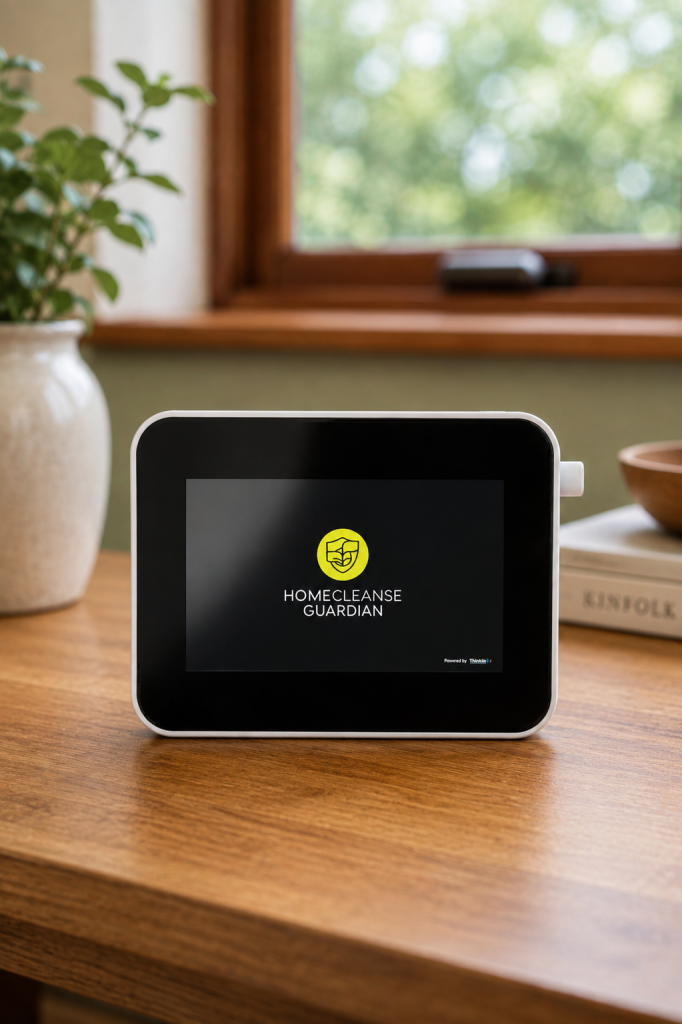
Guardian Monitors Its Own Sensors
Sensor Health
LiveGuardian tracks the health of installed sensor capsules so you can easily see how they’re performing over time. Newly installed sensors report 100% health, making it easy to confirm a successful installation and to spot when replacement may eventually be needed.
New Home. New Baseline.
If Guardian is permanently moved to a different room or property, restarting the VOC and CO₂ baselines helps establish an accurate reference point for the new environment. This lets Guardian begin learning the unique conditions of its new location.
Not sure if you need to?
Guardian includes built-in options to restart the VOC and CO₂ baselines when it moves. If you’re unsure whether it’s worth doing, we can walk you through it.
- Performance improvements
- New monitoring features
- Reliability and security updates
Guardian Continues To Improve
Software updates deliver ongoing performance improvements, reliability enhancements, new features, and security updates. Keeping Guardian connected to the internet helps ensure you receive the latest improvements as they become available.
Traveling Or Storing Guardian
While You’re Away
Guardian can keep monitoring your indoor environment while you’re traveling. Leave it powered, connected to the internet, and unobstructed so it keeps collecting historical data while you’re gone.
- Keep the device powered
- Verify your internet connection is active
- Keep airflow around it unobstructed
Long-Term Storage
If Guardian will be stored for an extended period, a little prep keeps it ready for next time.
- Disconnect power
- Clean the exterior with a soft, dry cloth
- Store it in a clean, dry location
- Keep all accessories together for future installation
Keep A Copy Handy
Prefer it on paper? Download any of these to print or keep on hand.
Need More Help?
For step-by-step procedures, head to the dedicated guides. For anything else, we’re a call or text away.
Sensor Replacement
Learn when sensors should be replaced and follow a step-by-step installation guide.
View Guide →Firmware Updates
Keep Guardian running its best with the latest software improvements.
Learn More →Contact Support
Reach our team any time — call or text 888-668-6653, or email [email protected].
Visit Help & Support →Prefer to talk to a person? Call or text us anytime.
Let’s find your next step
Call or text 24/7 and a HomeCleanse guide will point you in the right direction.
888-668-6653